
CRICBUZZ / TASK GUIDE
Cricbuzz Support Guide: Login, App Issues and Subscriptions
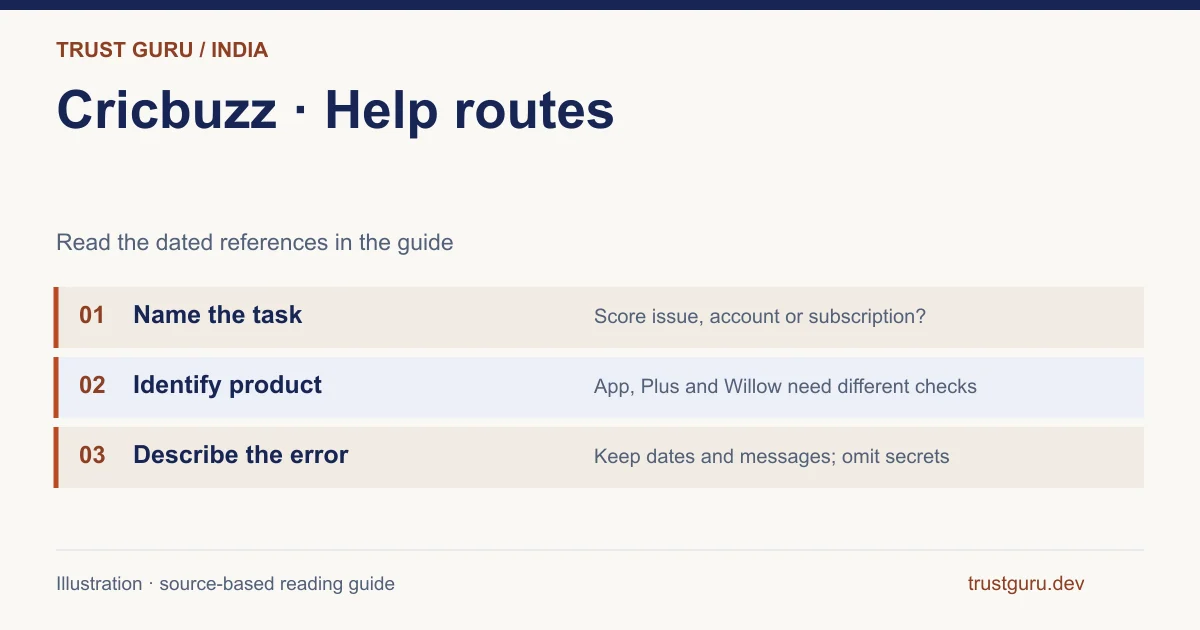
Name the failed task before trying a Cricbuzz fix. A stale score, an app that will not open, a login problem and a Plus billing question require different evidence. Use the guide below to identify the screen, collect relevant details and choose the documented help route without sharing passwords or payment secrets.

Which Cricbuzz support route matches the problem?
Route the case by purpose: the reviewed Play item gives android@cricbuzz.com for Android feedback; website billing terms use My Account > Manage Subscription; privacy requests for consent withdrawal, downloads or removal go to grievance@cricbuzz.com. For a paid plan, retain the original account and biller. Public-score questions usually concern another task than subscription troubleshooting.
Brand identification
- Brand
- Cricbuzz
- Domain reference
cricbuzz.com; m.cricbuzz.com- Entity reference
- CRICBUZZ PLATFORMS LIMITED
- Scope
- Current product references
Identity information does not establish that every feature is available to every reader.
Name the failing task before trying a fix
Identify the failed task: opening a page, receiving an alert, reading a score, finding a store item, signing in or viewing paid content. Keep the item, device, known version and time in IST. The site being readable in one review does not establish uptime on every network; a single failure also cannot establish a national outage.
| Symptom | First check | Published or relevant route |
|---|---|---|
| Score appears unchanged | Match, innings, status and time | App feedback with the exact fixture |
| Android app problem | Package, device, version and error | android@cricbuzz.com in the reviewed Play record |
| Paid plan missing | Account, merchant and transaction status | Subscription management and the billing channel |
| Willow not linked | Active plan, same email and eligible country | Willow FAQ and Willow support where directed |
| Personal-data request | Account identification and request type | Privacy notice's grievance route |
A score is not updating or looks wrong
Confirm full teams, year, innings and status. Rain, intervals and completion can explain a stable total. Compare the same ball and timestamp across alert, browser and app; record a client-specific difference rather than assuming an account problem. Missing background alerts additionally require checking fixture selection and notification permission.
Android feedback and an unverified support promise
The Android store reference lists android@cricbuzz.com. Describe the stage, device, version and exact message without exposing access data; no reply time was tested. If the issue concerns the older language app, identify com.cricbuzz.android.vernacular, whose checked Indian item returned 404, rather than reporting that the available main package vanished.
Login, sign-up and the account you actually used
The terms allow browsing without registration while reserving some activities for accounts. The inspected public screen showed Log In, Sign Up, Google and Apple options. No agreement, code request or sign-in was completed. Use the existing account’s actual method; creating another profile can leave a subscription elsewhere, and an OTP must stay within the provider’s process.
Payment taken, missing Plus, or a Willow mismatch
Match a missing plan to its receipt, merchant, account, billing channel and transaction state before paying again. Manage Subscription is the website terms’ reference for plan details and cancellation. The Willow FAQ separately requires an active plan and matching email for its USA/Canada activation route. A territory restriction in India does not itself prove billing or linking failed.
Uninstalling, cancelling renewal and deleting data
The privacy document dated 1 April 2025 directs withdrawal, download and removal requests to grievance@cricbuzz.com. That route differs from app feedback. State the intended request through the provider’s process: uninstalling, stopping renewal and deleting held data are separate actions. This review requested no erasure and verified no retention period or completion time.
When the issue belongs to another service
A similar name, betting APK or third-party host can involve a different provider. The reviewed Cricbuzz chain does not establish a betting wallet or withdrawal service. Identify the merchant that took a payment. Trust Guru can correct this guide but cannot administer Cricbuzz entitlements or another company’s funds; keep account and identity information private.
Build a report that names one event and one unresolved question
A useful illustrative report reads: ‘For fixture [full teams, competition and date], innings [number], the scorecard at [source time] showed [state A], while commentary for [ball] showed [state B]. Device [model/OS], app [version]. Does the later correction replace state A?’ The placeholders describe evidence to collect; they are not a report of an event we tested. Keep screenshots with private details removed.
For a billing question, replace match fields with merchant, product, transaction reference and expected benefit. Do not attach an OTP or full payment-card number. Acknowledgement of a report is not a promise that a correction or refund has been approved, and a public contact address is not evidence of a response time.
- Choose one symptom and identify its owner.
- Include the last successful stage and first failure.
- Keep acknowledgement and final outcome as different records.
| Observation in this illustration | Interpretation | Next action |
|---|---|---|
| Different scores for the same event | A correction question can be made specific | Include fixture, innings and ball |
| Payment present, benefit absent | A billing/entitlement question exists | Include merchant and transaction reference |
| Report acknowledged | The provider received a request | Track the later decision separately |
Frequently asked questions
What Cricbuzz support email was verified?
The Indian Android listing publishes android@cricbuzz.com for app support. Data requests described in the privacy notice use grievance@cricbuzz.com. These are attributable published routes for different purposes; neither was tested for response time, and this review does not guarantee a reply or resolution.
Does deleting the app cancel my subscription?
Check who billed the subscription and follow that channel’s management process. Website terms specify My Account > Manage Subscription. Uninstalling only addresses the local app and cannot establish billing cancellation; the resulting subscription status needs its own confirmation.
Can Trust Guru recover my Cricbuzz account?
Account recovery must be handled by the provider responsible for that account. Trust Guru publishes independent information and cannot administer Cricbuzz logins, subscriptions or personal-data requests. Use the attributable service channel for the relevant task rather than sending this site credentials or recovery codes.
FOLLOW THE EVIDENCE
Sources and context
- Google Play India — Cricbuzz main Android app
https://play.google.com/store/apps/details?id=com.cricbuzz.android&hl=en&gl=INReference check: 2026-11-02 - Cricbuzz — Terms of Service and paid-service provisions
https://www.cricbuzz.com/info/termsReference check: 2026-11-02 - Cricbuzz — Privacy Notice, dated 1 April 2025
https://www.cricbuzz.com/info/privacyReference check: 2026-11-02 - Cricbuzz — public login options and terms acknowledgements
https://m.cricbuzz.com/premium-subscription/user/loginReference check: 2026-11-02 - Cricbuzz — Willow linking FAQ and USA/Canada condition
https://m.cricbuzz.com/info/willow-faqsReference check: 2026-11-02 - Google Play India — older language package, returned 404
https://play.google.com/store/apps/details?id=com.cricbuzz.android.vernacular&hl=en&gl=INReference check: 2026-11-02
The date records a reference check. It is not a live service monitor.
Trust Guru is an independent information website. We are not the brands’ official website, do not accept bets and never ask for third-party passwords or access codes. Editorial policy ↗